Crew the week without three phone calls a shift.
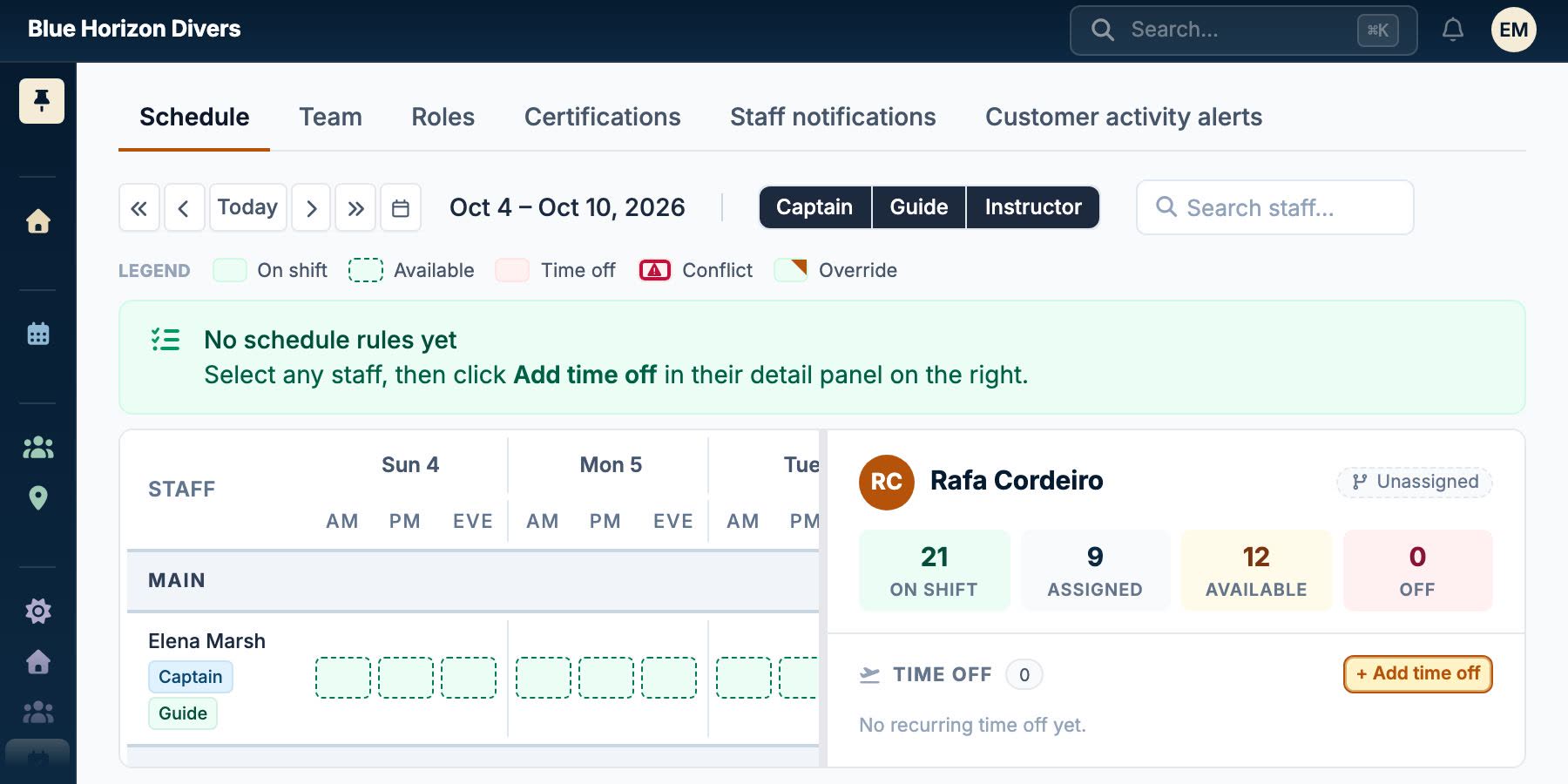
Roster instructors, guides and captains onto the activities that need them, see who is actually free and qualified as you assign, then tell them once.
- Availability and qualifications checked while you assign, not after
- Each person gets their day's plan, nightly or whenever the schedule changes
- Reach crew by email or WhatsApp, whichever they actually read
What's included
Everything staff & crew covers
Daily Operations
- Availability-aware assignment: Put the right person on each activity, with clashes flagged as you go.
Staff Management
- Team & permissions: Invite your team and control what each person can see and do.
- Recurring shifts: Weekly shift patterns with exceptions, time off and rules.
- Team import: Load your team from a spreadsheet and invite them all at once.
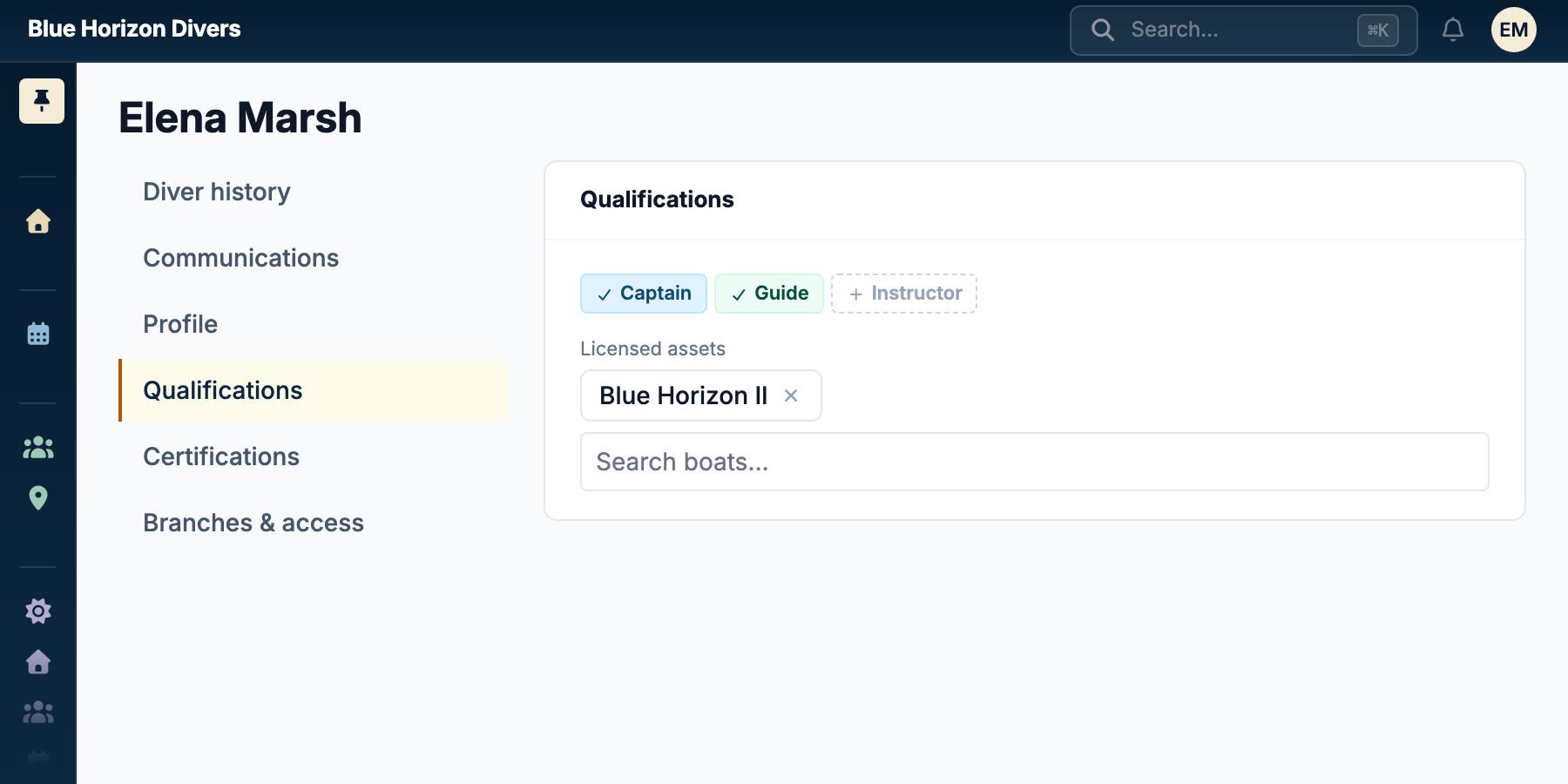
- Certifications: Record each team member's certifications, and see who is eligible for each role.
- Duty roles: Assign daily duty roles, such as office or shop, or your own, for each session.
Communications
- Shift notifications: Assignments and reminders sent to each person by WhatsApp or email.
- Staff Email Notifications: Send shift assignments and reminders to staff via email.
Run your shop on it
Your Business
.fathombay.com
Your URL:
Enter your dive shop name first — it becomes your booking address.
Or sign up with email